Luggage Trackers Explained: How They Work and Where They Fall Short
Bluetooth bag trackers can show you where your suitcase went, but they can't fetch it back. Here's how they really work and where they let you down.

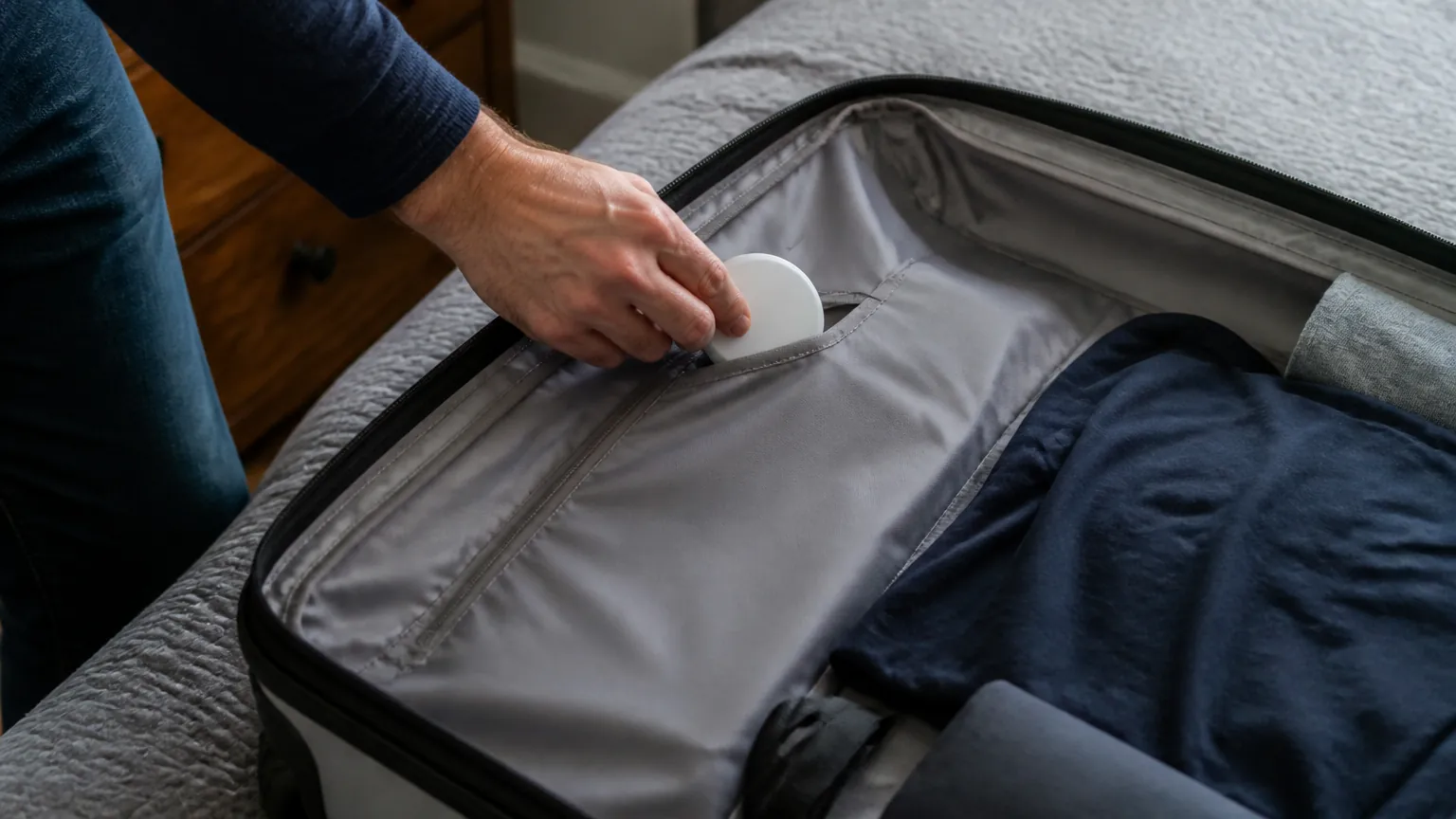
A small plastic disc or card tucked into your suitcase promises a reassuring thing: that you will always know where your bag is. After a delayed connection and a carousel that never produces your case, that promise sounds worth every cent. Luggage trackers can genuinely help, and they have become cheap enough that many travelers now toss one in without thinking twice. But they work in a particular way, with real limits, and it pays to understand both before you rely on one. This guide explains how the tracking actually happens, how the systems differ depending on your phone, what airlines allow, and what a tracker simply cannot do for you.
How Bluetooth trackers actually find your bag
Most consumer luggage trackers are not GPS devices and do not contain a SIM card or a cellular connection. Instead, they are small Bluetooth tags. On their own, their range is short, commonly reported as somewhere between 10 and 100 meters (roughly 30 to 300 feet) in open space, and far less through walls, metal, and a packed cargo hold.
The clever part is what happens beyond that range. A tracker constantly broadcasts a secure, rotating identifier over Bluetooth. Any compatible smartphone that passes nearby, belonging to a complete stranger, can quietly pick up that signal and report the tracker's approximate location back to the network, over that stranger's data connection. Neither you nor the passerby sees anything happen. You then open your app and see the last place the tag was detected.
This is why these networks are described as "crowd-sourced." Your tracker is only as useful as the number of compatible phones moving through the same space. In a busy airport terminal, updates can be frequent. In a remote freight depot, a quiet regional airport, or the middle of a long-haul flight, there may be no compatible phone nearby for hours, so the location on your screen goes stale. The tag is not lost; it simply has no one to report through.
A smaller number of trackers do use cellular or true GPS, with their own SIM and a subscription fee. These can report from almost anywhere with mobile coverage, but they cost more, need charging far more often, and raise their own questions about use on aircraft. For most travelers, the Bluetooth type is what's meant by "luggage tracker," and it's the focus here.
The iPhone and Android split
The single most important choice is matching the tracker to the finding network your phone belongs to, because the two large networks do not talk to each other.
Apple's Find My network
Apple's network is built from the very large installed base of iPhones worldwide. A tracker that works with Find My, such as Apple's own AirTag or third-party tags that support it, gets reported by passing iPhones. For iPhone owners this is the obvious route, and the density of iPhones in many countries makes detection reasonably reliable in populated areas. Find My tags generally do not work in a useful way for Android users.
Google's Find Hub network
Google's equivalent, which now runs under the Find Hub name (you may still see older "Find My Device" branding), is built from the Android phone base. Trackers from brands such as Chipolo, Pebblebee, and others support it. The Android installed base is huge globally, though the proportion of iPhones versus Android phones varies a lot by country, which affects how dense the finding network feels where you travel.
The brands that work with both
Some tracker makers sell separate models, one tuned for Apple's network and one for Google's, so you buy the version that matches your phone rather than one tag that joins both networks. Tile uses its own separate app and network, which does not depend on being an iPhone or Android user in the same way, but its finding network is smaller than the two giants. The practical takeaway: check which network a tracker uses before buying, and match it to the phone you carry.
Batteries: what to expect and how to plan
Battery type matters more than it sounds, because it decides whether you can refresh a tracker before a trip or have to send it away.
- Replaceable coin cell. Many tags use a CR2032 lithium coin cell, a 3-volt battery about the size of a large shirt button. Manufacturers commonly claim around 12 months of life, though heavy use shortens that. You can buy a pack of these for a few dollars and swap them yourself in seconds.
- Rechargeable. Some trackers have a sealed rechargeable cell you top up by cable, with claimed life anywhere from several months to around a year per charge, depending on the model. No batteries to buy, but you must remember to charge it before you fly.
- Sealed non-replaceable. A few cheaper tags have a battery you cannot change at all. When it dies, the tag is done. These tend to be the least appealing for luggage you expect to keep tracking for years.
Because a coin cell costs so little to run, there's no meaningful electricity cost to discuss for the tracker itself. The one running cost worth noting is any subscription on cellular or premium tags, which is a flat monthly or yearly fee rather than something measured in kilowatt-hours. Charging a rechargeable tag draws a trivial amount of power, far too small to show up on a bill in the US at roughly 17 cents per kWh, the UK at about 25p, or Australia at around 30 Australian cents.
Airlines, batteries, and anti-stalking alerts
Two sets of rules shape how you use a tracker: aviation battery rules and the privacy features built into the networks.
On the aviation side, the coin cells and small lithium batteries inside consumer trackers are low-powered and are generally accepted in both checked and carry-on baggage. Airlines and regulators in the US (the FAA), the UK (the CAA), and Australia (CASA) each publish dangerous-goods guidance, and the broad position across them has been that these low-energy devices are permitted. Rules can change and individual carriers can be stricter, so if you are flying somewhere unusual or carrying a cellular GPS tracker, it is worth checking your specific airline's current policy before you travel. The practical rule of thumb: ordinary Bluetooth tags with coin cells have not been the problem; large spare lithium batteries and power banks are what regulators care about most.
Anti-stalking alerts
Because these tags are small and silent, they can be misused to track a person rather than a bag. In response, both big networks now warn people about unknown trackers that seem to be traveling with them. If an unfamiliar Find My or Find Hub tag moves along with you over time, your phone may alert you, and the tag may eventually start beeping on its own. This is a genuine safety feature, but it has a side effect worth knowing: a tag you legitimately placed in a shared bag, or one you lend to a family member, can trigger alerts on their phone. If that happens, it is usually just the system doing its job, not evidence of anything sinister.
What a tracker can and can't do
This is the part marketing tends to gloss over. A tracker tells you where your bag was last seen. It does not move your bag, open doors, or make anyone act. If your suitcase is sitting in a mishandled-baggage room two airports away, the tag can show you that, which is useful, but you still have to persuade the airline to retrieve and forward it. Many travelers have reported being able to tell an airline exactly which building a bag was in while staff insisted they had no information, which can speed things up, but it does not guarantee a fast result.
Keep these limits in mind:
- A stale location is normal in low-traffic places, not proof the bag is gone.
- Thick metal, dense cargo, and being deep inside a vehicle all weaken the Bluetooth signal.
- A tracker is not security. A thief can find and bin a visible tag, so place it discreetly inside the bag.
- Battery death means silence. Check and refresh before long or important trips.
Comparing the main tracker types
| Type | Finding method | Typical price | Battery | Best suited to |
|---|---|---|---|---|
| Find My tag (Apple) | Crowd-sourced via passing iPhones | Around $25 to $35 | Replaceable CR2032, ~1 year claimed | iPhone users |
| Find Hub tag (Android) | Crowd-sourced via passing Android phones | Around $20 to $35 | Coin cell or rechargeable | Android users |
| Tile-style tag | Own app and separate network | Around $25 to $40 | Coin cell or sealed, varies | Those wanting one app across phone types |
| Cellular/GPS tracker | SIM and satellite positioning | Around $30 to $80 plus subscription | Rechargeable, days to weeks | Frequent or remote-route travelers |
Practical tips before you fly
A few habits make a tracker far more useful. Charge or replace the battery a few days before departure, not at the airport. Pair and test the tracker at home so you know the app works and the tag shows up. Tuck it somewhere inside the bag, not clipped to the outside where it is easy to spot and remove. Note the brand and model, since describing it to airline staff can help them identify a bag in a backroom. And set your expectations honestly: treat the tracker as a source of information to share with the people who can act, not as a tool that will reunite you with your bag by itself.
The short version
- Most luggage trackers are Bluetooth tags that rely on passing strangers' phones, not GPS, so locations go stale where few compatible phones are around.
- Match the tracker to your phone: Apple's Find My for iPhones, Google's Find Hub for Android, Tile for a separate cross-phone network.
- Prefer a replaceable or rechargeable battery and refresh it before important trips; claimed life is often about a year for coin cells.
- Small coin-cell tags are generally allowed in checked and carry-on bags, but check your airline for cellular trackers; anti-stalking alerts may flag tags in shared bags.
- A tracker shows you where a bag is, but it cannot move it. The real work is still persuading the airline to act.
Tom Ashworth
Sleep, Health Tech & Travel writer · Manchester
Tom writes about sleep and health tech, travel gadgets and outdoor gear. He looks past spec sheets to how a gadget fits into everyday life, and he is wary of health claims that go beyond the evidence.
Keep reading
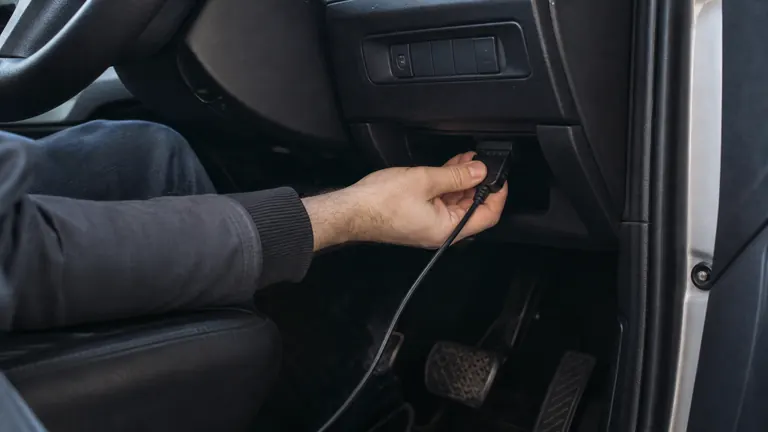
What Is an OBD2 Scanner, and Do You Actually Need One?
That little socket under your dashboard can tell you why the check engine light is on. Here's what a scanner reads, what it costs, and who really benefits.
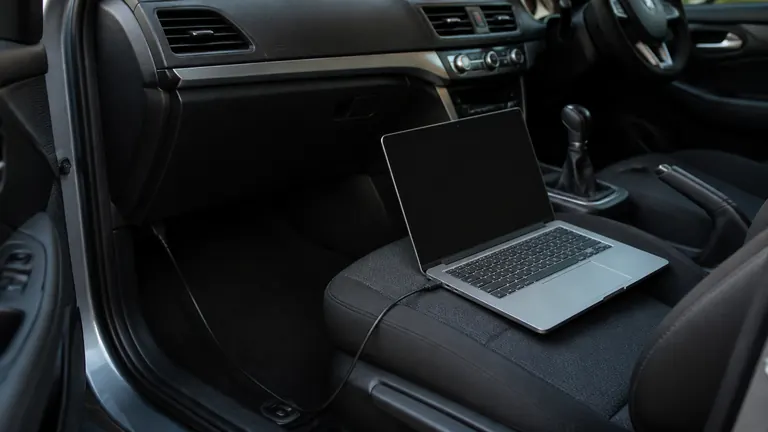
Hidden Car Features: What 'Coding' Can Unlock on VW, Audi and BMW
Many German cars ship with features switched off in software. Here is what coding through the OBD port can turn on, and the risks worth knowing first.

Engine Warning Light On? What to Do in the First 10 Minutes
The engine warning light just came on. Here is how to tell a loose fuel cap from a problem that means stopping the car right now.
Comments
No comments yet. Share your experience or ask a question.