Best Dash Cam: VIOFO A229 Pro vs Wolfbox G840S
Two popular 4K front-and-rear dash cams go head to head on video quality, parking mode and real running cost, so you can pick the right protection.
If you have been shopping for the best dash cam this year, you have probably run into two names again and again: the VIOFO A229 Pro and the Wolfbox G840S. Both are front-and-rear 4K systems aimed at drivers who want solid evidence if someone hits them, cuts them off, or drives away from a parking lot scrape. With darker evenings and a steady rise in insurance claims, a lot of people are fitting one for the first time. This guide walks through what these cameras actually do, how they differ, what parking mode costs to run, and when you should let a professional handle the wiring.
What you are really buying
A dash cam is a small loop-recording camera that mounts to your windshield and saves footage to a microSD card. When the card fills up, it records over the oldest clips, except for files it locks after a sudden jolt. A "front-and-rear 4K" kit adds a second camera for the back window, so you capture both what you drove into and what drove into you.
The phrase "4K" needs a little honesty. On these systems, 4K usually applies to the front camera only. The rear camera is typically lower resolution, often around 1080p or 2.5K, even on models marketed as 4K kits. That is normal across the category, not a fault of either brand, but it is worth knowing before you expect crisp license plates out the back window at night.
Both the VIOFO A229 Pro and the Wolfbox G840S cover the basics most drivers care about: loop recording, a G-sensor that locks clips on impact, GPS to stamp speed and location, Wi-Fi to pull footage onto your phone, and a parking mode that keeps watch while you are away. The differences are in the details.
Video quality: what the numbers mean
The front camera on each uses a high-resolution sensor rated for roughly 3840 x 2160 (that is 4K) at around 30 frames per second. More resolution means more pixels spread across the scene, which helps when you need to read a plate two cars ahead. But resolution is only half the story. How a dash cam handles glare, headlights and low light often matters more than the pixel count.
This is where sensor choice and software come in. VIOFO has built its reputation on Sony STARVIS sensors and generally sharp night footage, and the A229 Pro is commonly reported to handle dark roads and bright headlights well. The Wolfbox G840S is also widely praised for a bright, usable image, and it tends to compete on price. We have not tested either camera, so treat enthusiast reviews and owner feedback as guidance rather than proof. Where you can, look at real sample footage at night and in rain before you decide.
A few practical points that affect any 4K dash cam:
- Higher resolution fills cards faster. 4K footage can use several gigabytes per hour, so a larger, high-endurance microSD card is worth it.
- Heat is the enemy. Windshields get hot. Cameras rated to operate up to around 60°C to 70°C (140°F to 158°F) cope better with summer parking.
- Frame rate trades off with resolution. If you want smoother motion, some modes drop resolution to lift frame rate. Fast plates are easier to catch at higher frame rates.
- Polarizing filters help. A CPL filter cuts dashboard reflection on the windshield and is a cheap, genuine improvement.
Parking mode and what it costs to run
Parking mode is the feature that pushes many people from a basic camera to one of these. It keeps the camera recording, or ready to record, while the car is off. There are usually three styles: motion detection, impact detection, and time-lapse. The catch is power. Your car's 12-volt socket turns off with the ignition, so continuous parking mode needs either the camera's own battery, an external battery pack, or a hardwire kit that draws from the fuse box.
A hardwire kit taps a constant-power fuse and includes a cutoff that stops drawing current once your battery drops to a set voltage, often around 11.8 to 12.0 volts, so you do not end up with a car that will not start. This is the part most worth getting right.
A realistic running-cost sum
Parking mode draws very little, so the cost is small, but let us be concrete. Say the camera in parking mode pulls about 4 watts. Over 12 hours parked overnight, that is 4 W x 12 h = 48 watt-hours, or 0.048 kWh per night. Across a month that is roughly 1.44 kWh.
- US: at about 17 cents per kWh, 1.44 kWh costs around 24 cents a month.
- UK: at about 25p per kWh, that is roughly 36p a month.
- Australia: at about 30 Australian cents per kWh, around A$0.43 a month.
Electricity prices vary widely by region and tariff, so treat these as examples. The real cost of parking mode is not the electricity; it is the strain on your car battery if the camera draws power while the engine is off for days. If you leave a car parked for long stretches, an older or weak 12-volt battery can be drained even with a cutoff. For long layups, an external battery pack that charges while you drive keeps the load off the car entirely.
Installation, the law and the fuse box
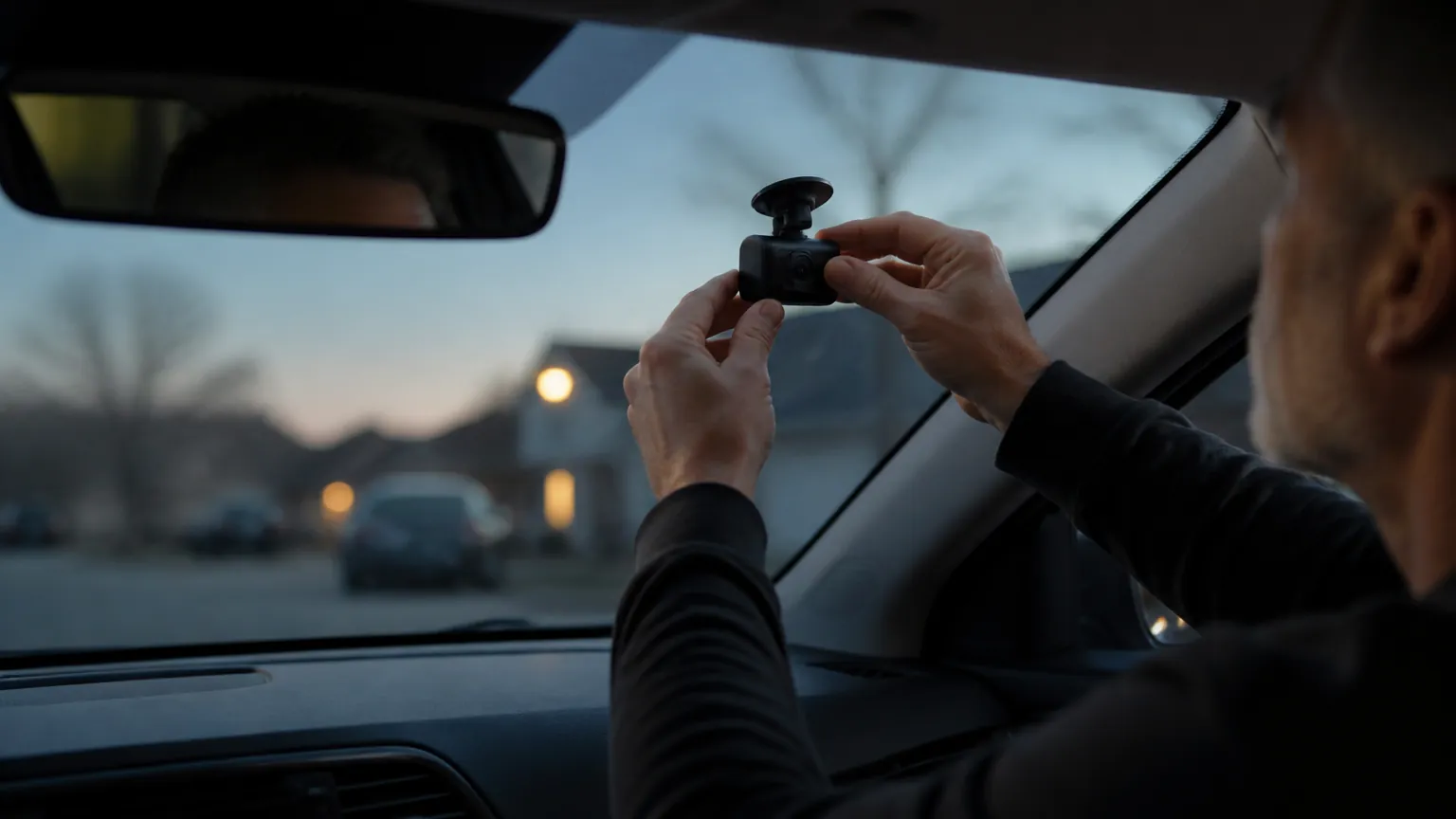
Plugging a dash cam into the 12-volt socket is a five-minute job anyone can do. Hardwiring for parking mode is more involved, because you are working at the fuse box and tucking cables behind trim. If you are comfortable identifying a constant-power fuse and an ignition-switched fuse and you have a circuit tester, it is a doable afternoon. If you are not sure which fuse is which, or your car has sensitive electronics, that is a stop-and-get-help moment: a mobile installer or auto electrician will do it cleanly and safely, often for a modest fee.
Mounting position and the law differ by country, and it is worth a quick check:
- US: several states restrict what you can attach to the windshield, and some limit how large an object can be or where it sits. Mounting low and central, behind the mirror, is usually safest.
- UK: the camera must not obstruct the driver's view, which in practice means keeping it within the area swept by the wipers and high up near the mirror. If audio is recorded, be mindful of passenger privacy.
- Australia: rules vary by state, but the common thread is that the device must not obscure your view of the road.
On privacy, recording audio inside the cabin can be a grey area depending on where you live, especially with passengers who have not consented. Both cameras let you turn audio off, and you can switch it on only when you need it.
Side-by-side comparison
| Feature | VIOFO A229 Pro (front + rear) | Wolfbox G840S (front + rear) |
|---|---|---|
| Front resolution | Up to 4K (3840 x 2160) | Up to 4K (3840 x 2160) |
| Rear resolution | Typically 2.5K / 1080p class | Typically 1080p class |
| Night image | Sony STARVIS sensor, commonly praised | Widely reported as bright and usable |
| Display | No large screen; app-led setup | Large built-in touchscreen |
| GPS | Yes | Yes |
| Wi-Fi app | Yes (5 GHz supported) | Yes |
| Parking mode | Yes; hardwire kit needed for continuous | Yes; hardwire kit needed for continuous |
| Approx. price (kit) | Around $200 to $270 | Around $130 to $200 |
Specifications change between model versions and regions, so confirm the exact figures for the unit you are buying. In broad terms, the VIOFO leans toward image quality and an enthusiast setup through the app, while the Wolfbox leans toward a friendly touchscreen and lower price. Neither is the single "best dash cam" for everyone; the right call depends on whether you value screen convenience, night sharpness or cost.
How to choose for your situation
If you mostly drive in daylight and want something you can operate without a phone, a built-in touchscreen is genuinely handy, which favors the Wolfbox approach. If you regularly drive at night, or you want the sharpest chance of reading a plate in poor light, the VIOFO's sensor pedigree is the stronger argument. Either way, budget for a high-endurance microSD card of 128 GB or more, and a CPL filter if your dashboard reflects badly.
Running-cost thinking applies to plenty of household gadgets too. If you like working out what a device actually costs to keep on, you may find our breakdowns of air fryer versus oven running costs and whether smart thermostats really cut heating bills useful. And if you want an easier in-car audio ride on long drives, our Bose QuietComfort headphones review covers comfort over hype.
The short version: which is the best dash cam for you?
- Both the VIOFO A229 Pro and Wolfbox G840S are capable front-and-rear 4K kits; the front is true 4K, the rear is usually lower resolution.
- Night performance and glare handling matter more than headline pixels; check real sample footage before buying.
- Parking mode costs only pennies in electricity, but it can strain a weak 12-volt car battery, so use a hardwire kit with a voltage cutoff or an external battery pack.
- Hardwiring is doable if you know your fuse box; if you are unsure, get an auto electrician, and check windshield-mounting and audio rules for the US, UK or Australia.
- There is no single best dash cam: the Wolfbox favors a touchscreen and lower price, the VIOFO favors night sharpness and app control.
Daniel Hart
Editor, Car & Garage · Columbus, Ohio
Daniel edits the Car & Garage section. He writes about the plug-in scanners, dash cams and chargers that help drivers understand their cars and avoid unnecessary repair bills, and he is clear about when a professional mechanic is still the right call.
Keep reading
Portable Tire Inflator: How to Pick the Right Air Pump
Cold weather pulls air out of your tires fast. Here is how to choose a portable inflator that is accurate, convenient, and worth the money.
NOCO Genius1 Review: A Great Maintainer, A Slow Charger
An honest look at NOCO's smallest smart charger: brilliant for keeping seasonal batteries topped up, but far too slow to rescue a dead car battery fast.
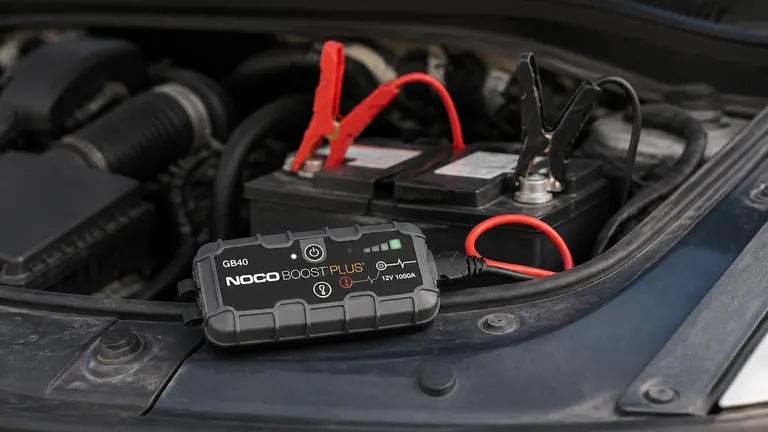
NOCO GB40 Review: The Pocket Jump Starter Worth Its Price?
Our NOCO GB40 review weighs up the maker's claims against what owners actually report, so you know if this compact jump starter belongs in your glovebox.
Comments
No comments yet. Share your experience or ask a question.